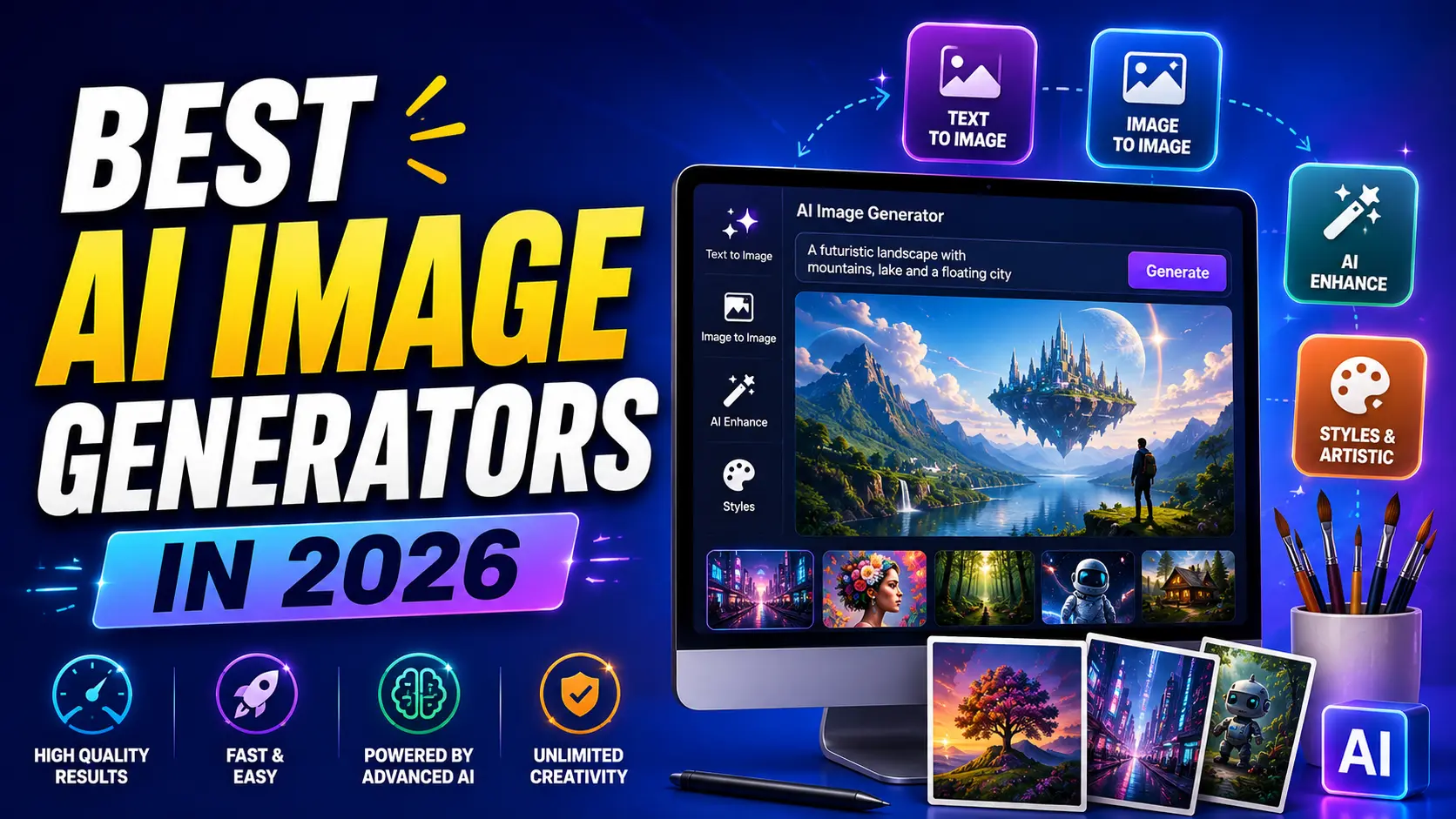

Best Free AI Image Generators
Compared for Quality, Limits & Commercial Use
A practical look at which free AI image tools are genuinely usable in 2026 — and which “free” tiers are more restrictive than they first appear.
Free AI image generation crossed a real quality threshold over the past year — daily free allowances now produce images that would have needed a paid subscription eighteen months ago. The catch is that “free” means something different from tool to tool: some give you a genuine daily allowance with no strings attached, others meter you through a credit system that quietly runs out, and a few well-known names aren’t meaningfully free at all anymore.
This space moves fast. Free-tier limits, model versions, and pricing mentioned here reflect mid-2026. Always confirm current limits directly on each platform before relying on it for a real project, and check commercial-use terms before publishing generated images professionally.
Why Free AI Image Tools Got This Good
Two forces pushed free-tier image generation forward quickly. First, major AI labs started bundling capable image models directly into their existing free assistants — Google’s image model living inside the free Gemini app, OpenAI’s inside the free tier of ChatGPT — rather than gating image generation behind a separate paid product entirely. Second, open-weight models improved enough that running one locally, at genuinely zero ongoing cost, became realistic for anyone with reasonably capable hardware, not just researchers.
The result is a landscape where free tiers are, for the first time, actually competitive with paid tools for a lot of everyday use — social graphics, blog headers, mockups, concept exploration — rather than functioning as a stripped-down teaser meant to push you toward a subscription.
That said, “free” still varies enormously in what it actually gets you, which is the first thing worth understanding before picking a tool based on a headline claim alone.
It’s also worth noting how quickly rankings shift in this specific category. A tool praised as the best free option eighteen months ago may have since scaled back its free tier significantly, while a newer entrant nobody was talking about a year ago might now offer the most generous access. Treat any single “best of” list, including this one, as a snapshot rather than a permanent verdict.
What “Free” Actually Means Across These Tools
Daily allowance
A fixed number of generations per day that resets automatically, with no credit balance to track or run out permanently.
Credit-based free tier
A one-time or slowly-replenishing credit pool. Once spent, you’re stuck until credits refresh or you pay — easy to misjudge as “unlimited.”
Local / self-hosted
Open-weight models run on your own hardware. Genuinely unlimited and free after setup, but requires technical comfort and a capable GPU.
Freemium with hard paywall
A token free trial that functions more like a demo than an ongoing free plan, with real usage requiring payment almost immediately.
Knowing which category a tool falls into before comparing headline features saves a lot of wasted signup time.
Best Overall Free Generator
Google’s image model, built into the free Gemini app, is widely cited as the strongest all-around free option in 2026 — a genuine daily allowance rather than a credit system, high image quality, and no separate software or signup beyond a Google account.
| Feature | Detail |
|---|---|
| Access | Free within the Gemini app or web interface |
| Free allowance | A daily image limit that resets automatically, no credit balance to manage |
| Standout strength | Strong text rendering inside images and built-in world knowledge for landmarks and real-world references |
| Limitation | Not a dedicated design tool — fewer manual controls than specialized platforms |
Google’s image model has picked up the informal nickname “Nano Banana” across the AI community — if you see that name in other guides or forums, it’s referring to this same model family, not a separate product.
What makes this option particularly strong for casual and semi-regular use is the predictability of the limit itself. A credit system requires tracking a balance and guessing how much a given generation will cost before you commit; a daily allowance simply resets each day regardless of how the previous day went, which removes a layer of mental accounting that trips up a lot of newcomers to other platforms.
Best for Beginners and Conversational Edits
OpenAI’s image model, built into ChatGPT’s free tier, stands out for a different reason: you refine images through natural back-and-forth conversation rather than crafting a single perfect prompt upfront.
Iterative editing feels natural. “Make the background darker” or “add a hat” works as a follow-up message rather than requiring a fully rewritten prompt.
No separate learning curve. If you already use ChatGPT for anything else, image generation is just another message type, not a new tool to learn.
Good general-purpose quality. Solid results across most everyday categories without needing to specify a particular artistic style upfront.
This conversational approach tends to suit people newer to AI tools generally, since there’s no separate prompt-crafting skill required before getting a usable result.
The trade-off is that conversational refinement can burn through a daily limit faster than a single well-crafted prompt would, since each small adjustment typically counts as its own generation. For quick, casual edits this rarely matters, but for anyone working against a tight daily cap, spending a bit more effort upfront on a detailed initial prompt can stretch a limited allowance further than relying entirely on iterative back-and-forth.
Best for Text Inside Images
Rendering legible, correctly spelled text inside a generated image remains one of the harder problems in this space, and it’s a common point of failure across many otherwise strong tools.
Ideogram has built a specific reputation around handling this well — logos, posters, social graphics with headlines, and any image where the words matter as much as the visual. If your project genuinely depends on text rendering correctly inside the image itself, this is worth prioritizing over a tool that’s otherwise stronger on pure visual quality but weaker on legible text.
Even the strongest text-rendering tools still occasionally misspell words or distort lettering, especially with longer phrases. Always double-check any generated text before publishing rather than assuming it’s correct on the first attempt.
Best for Style Variety and Daily Volume
Leonardo AI is frequently recommended for people who want to generate a lot of images across different styles without hitting a wall quickly.
Fine-tuned style models. Dedicated models for photorealism, anime, concept art, and game assets rather than one general-purpose model stretched across every style.
Generous daily token allowance. Frequently cited as one of the more generous free tiers for people who want volume — mood boards, rapid concept exploration, testing many variations.
Built-in canvas editing. Image-to-image and in-canvas editing tools add real utility beyond single-shot generation.
This makes it a reasonable pick for creators and small teams doing iterative concept work, where generating many variations quickly matters more than any single image being perfect.
Best for Commercial-Safe Output
Copyright uncertainty is a genuine concern with AI-generated images used commercially, since many models are trained on broad, unlicensed web data with murky provenance.
Adobe Firefly addresses this directly by training exclusively on licensed and public-domain content, which meaningfully reduces copyright risk compared to tools trained on unclear or scraped datasets. For anyone generating images destined for client work, advertising, or any commercial product, this distinction is worth weighing more heavily than raw visual quality alone.
“Trained on licensed content” and “safe to use commercially” aren’t automatically identical claims — always read a platform’s specific commercial usage terms rather than assuming licensing practices alone settle the question.
This matters most for anyone working in a client-facing capacity — agencies, freelancers, or in-house marketing teams — where a copyright dispute over a generated asset could create real liability for a business, not just an inconvenience. Paying a small premium or accepting a more limited free tier in exchange for clearer licensing is often a reasonable trade for commercial work, even if a competing tool produces marginally more impressive results on a pure aesthetics basis.
Best for Unlimited Local Generation
If you have reasonably capable hardware and don’t mind a technical setup process, open-weight models like Stable Diffusion and FLUX offer something no cloud-based free tier can: genuinely unlimited generation with no daily cap, credit system, or ongoing cost once set up.
| Factor | Cloud free tiers | Local open-weight models |
|---|---|---|
| Cost after setup | Free within daily/credit limits | Genuinely free, unlimited generations |
| Setup effort | Minimal — sign up and go | Requires technical setup and capable hardware |
| Customization | Limited to platform’s built-in controls | Full control over parameters, fine-tuning, and custom models |
| Best for | Casual and everyday use | Power users, high-volume or highly customized work |
This route isn’t for everyone, but for anyone hitting free-tier limits regularly, learning a local setup can pay for itself quickly in removed friction alone.
Names Worth a Second Look First
A couple of well-known names from earlier “best free AI image generator” lists don’t hold up as well as their reputation suggests in 2026.
Midjourney remains excellent for aesthetic quality, but it doesn’t offer a meaningful ongoing free tier — expect to pay from very early in your usage, despite frequently appearing on “best free” lists based on older information.
Playground AI pivoted away from open AI art generation, closed its community feed, and significantly cut its free tier. Older guides recommending it as a generous free option are describing a version of the product that no longer exists.
Both are still legitimate, capable tools — the issue is specifically the “free” framing, which no longer matches reality as clearly as it once did.
How to Compare Free Tiers Properly
Check whether limits reset daily or deplete permanently. A daily allowance is far more sustainable long-term than a one-time credit grant.
Confirm commercial usage rights explicitly. Many free tiers restrict generated images to personal use only — don’t assume otherwise.
Look for resolution or watermark restrictions. Some free tiers cap output resolution or add a visible watermark that paid tiers remove.
Test with your actual use case, not a generic prompt. A tool that excels at photorealism may underperform on your specific need, like text-heavy graphics or a particular art style.
Common Mistakes People Make
Most disappointment with free AI image tools comes down to mismatched expectations rather than genuinely bad output — usually one of a handful of recurring patterns.
| Mistake | Why it hurts |
|---|---|
| Trusting outdated “best free” lists | Free tiers change frequently — a two-year-old ranking can be actively wrong |
| Assuming all free tiers allow commercial use | Many restrict output to personal use only, risking issues if used professionally |
| Judging a tool by one bad prompt | Different models have different strengths — a weak result may reflect prompt mismatch, not tool quality |
| Ignoring text rendering until it matters | Discovering a tool can’t render text cleanly mid-project wastes time better spent choosing correctly upfront |
| Overlooking copyright training data | Matters significantly more for commercial work than for personal or exploratory use |
Getting Better Results From Any Tool
Prompt quality affects free tools just as much as paid ones — arguably more, since you’ll want to make each limited daily generation count.
Be specific about style, not just subject. “Photorealistic,” “flat vector illustration,” or “watercolor” changes output dramatically more than describing the subject alone.
Describe lighting and composition. Terms like “soft natural light” or “centered composition, negative space around the subject” give the model real direction.
Iterate in small steps. On conversational tools especially, adjusting one element per follow-up tends to work better than rewriting the entire prompt from scratch.
“Flat vector illustration, a small coffee shop storefront on a quiet street, warm morning light, soft pastel color palette, centered composition with plenty of negative space at the top for text overlay.”
Quick Reference: Which Tool for Which Job
If you’re short on time, this cuts straight to a recommendation based on your actual need rather than a general ranking.
| Your need | Best starting point |
|---|---|
| General everyday use, no learning curve | Google Gemini’s built-in image model |
| Conversational, iterative editing | ChatGPT’s image generation |
| Logos, posters, text-heavy graphics | Ideogram |
| High volume across many art styles | Leonardo AI |
| Client or commercial work with copyright concerns | Adobe Firefly |
| Unlimited generation, technical comfort | Local Stable Diffusion or FLUX |
Frequently Asked Questions
What’s the best truly free AI image generator in 2026?+
Is Midjourney free to use?+
Can I use free AI-generated images commercially?+
Why does my generated text look garbled or misspelled?+
Is running an AI image model locally actually free?+
How often do free tier limits change?+
Conclusion
Free AI image generation in 2026 is genuinely capable, but the word “free” hides real differences worth checking before you commit time to a specific tool — daily allowances versus depleting credits, personal-use-only restrictions versus commercial-safe licensing, and general-purpose quality versus specialized strengths like text rendering or style variety.
Match the tool to your actual use case rather than defaulting to whichever name is loudest online, and don’t assume a tool’s reputation from a year ago still reflects its current free tier — this is one of the fastest-moving corners of the AI tool landscape, and yesterday’s generous free plan can look very different today.
If you’re still unsure where to start, Google’s built-in Gemini image model is a reasonable default for most everyday needs, with the more specialized options in this guide worth reaching for once you know exactly what your project actually requires.
