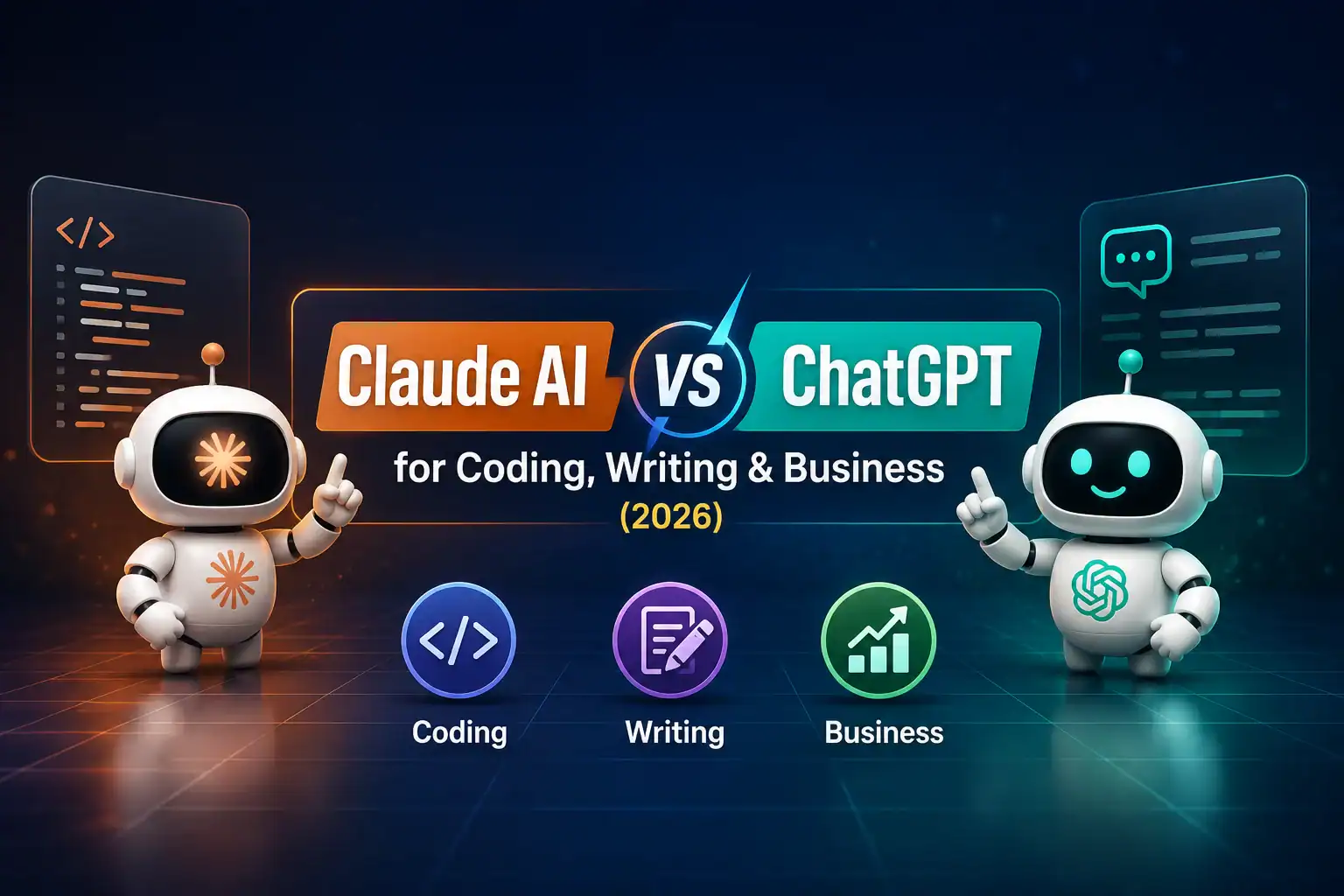

Claude AI vs ChatGPT
For Coding, Writing & Business in 2026
A practical, no-hype breakdown of where each assistant actually pulls ahead — and where the “right” answer depends entirely on what you’re using it for.
Claude and ChatGPT have both matured into genuinely capable daily-work tools, which makes the old “which one is better” framing less useful than it used to be. The more honest question is which one fits your specific workload — a solo developer, a content team, and an ops manager will get different mileage out of each. This guide breaks the comparison down by task instead of by hype.
Quick Verdict
If you only have thirty seconds, here’s the short version before the full breakdown below.
Lean Claude for coding, long-document work, and tasks that need careful, structured reasoning. Lean ChatGPT for broad everyday versatility, its larger plugin and media ecosystem, and workflows that benefit from a huge existing library of integrations. Neither is strictly “better” — they’re built with different default strengths.
Claude AI vs ChatGPT at a Glance
| Factor | Claude AI | ChatGPT |
|---|---|---|
| Maker | Anthropic | OpenAI |
| Free plan | Yes, limited usage | Yes, limited usage, ad-supported |
| Entry paid tier | Pro — $20/month | Plus — $20/month |
| Top individual tier | Max 20x — $200/month | Pro — up to $200/month |
| Coding tool | Claude Code | Codex |
| Standout strength | Long-context reasoning, coding, structured writing | Ecosystem breadth, multimodal features, plugin variety |
Pricing and model names shift often for both companies. The figures here reflect July 2026; always cross-check current numbers on each company’s official pricing page before making a purchase decision.
Claude AI Overview
Claude is Anthropic’s AI assistant, built with an emphasis on careful reasoning, long-context handling, and consistent behavior across long sessions. Anthropic’s current model lineup includes Claude Opus (the top reasoning tier), Claude Sonnet (the balanced default used across most plans), and Claude Haiku (the fast, lightweight option for quick tasks).
Beyond the core chat experience, Claude’s ecosystem includes Claude Code for developers working from the terminal or IDE, Claude Cowork for broader agentic knowledge work, and integrations like Claude in Excel and Claude in PowerPoint for people who live inside office documents rather than a chat window.
Claude is generally positioned as the more “professional tooling” focused assistant — strong at handling large documents, codebases, and multi-step reasoning tasks without losing track of earlier context in a conversation.
ChatGPT Overview
ChatGPT is OpenAI’s assistant and remains the most widely used consumer AI product, with a large surrounding ecosystem of plugins, custom GPTs, image generation, voice features, and its own coding agent, Codex. OpenAI’s current lineup centers on the GPT-5 model family, split across fast “instant” modes for everyday questions and higher-effort “thinking” modes for complex reasoning.
ChatGPT’s biggest practical advantage is sheer ecosystem size — more third-party integrations, more community-built custom GPTs, and broader name recognition inside most companies, which matters when you’re trying to get non-technical colleagues to actually adopt a tool.
OpenAI has also pushed hard into multimodal and agentic features — image generation, browsing, and increasingly autonomous task execution — which makes ChatGPT a strong general-purpose hub even outside pure text tasks.
Coding Comparison
Both platforms now ship dedicated coding agents rather than relying purely on chat: Claude Code for Anthropic, Codex for OpenAI. Both work from the terminal, integrate with popular editors, and can operate across a whole codebase rather than one file at a time.
Claude for coding
Frequently praised for careful, less “hallucination-prone” code generation and strong performance on large, unfamiliar codebases thanks to its long context window. Popular for refactors, code review, and multi-file changes.
ChatGPT for coding
Codex benefits from OpenAI’s broader developer tooling ecosystem and tight integration with existing products like GitHub Copilot’s underlying models. Strong for rapid prototyping and quick one-off scripts.
For day-to-day scripting, either tool handles the work comfortably. The gap tends to show up on larger, messier codebases where a model needs to hold a lot of context in mind at once — this is where Claude’s longer context windows and steadier multi-step reasoning are most often cited as an advantage by developers who use both tools regularly.
Writing Comparison
Writing quality between the two is genuinely close, and personal preference plays a bigger role here than in coding.
Tone control. Claude tends to produce writing that reads as more measured and less “AI-generic” by default, especially on longer pieces, though both models can be steered with a strong prompt.
Long-document consistency. Claude’s larger context window helps it stay consistent across very long documents — think full reports or long-form articles — without losing earlier details.
Creative range and iteration speed. ChatGPT’s broader plugin and image ecosystem makes it convenient when writing work needs to plug directly into visuals, formatting, or other media in the same session.
Editing and revision. Both handle iterative editing well; the difference usually comes down to which model’s “voice” you personally find easier to steer toward your own style.
Business Use Comparison
For business and professional workflows, the decision often comes down to ecosystem fit rather than raw model quality.
| Use case | Better fit | Why |
|---|---|---|
| Long contract or report analysis | Claude | Larger context window handles full documents without chunking |
| Team-wide adoption with non-technical staff | ChatGPT | Broader name recognition and existing familiarity |
| Spreadsheet-heavy financial work | Either | Both offer dedicated Excel integrations |
| Custom internal plugins/GPTs | ChatGPT | Larger third-party and custom GPT ecosystem |
| Codebase-heavy engineering teams | Claude | Claude Code favored for large multi-file reasoning |
| Data residency & compliance-heavy orgs | Either | Both offer Enterprise tiers with admin/compliance controls |
Pricing Comparison
Both companies structure pricing similarly: a free tier, one clear mid-tier at $20/month, and higher usage tiers for power users. As of July 2026:
| Tier | Claude AI | ChatGPT |
|---|---|---|
| Free | $0 — limited daily usage | $0 — limited usage, ad-supported |
| Budget paid tier | — | Go — around $8/month |
| Standard paid tier | Pro — $20/month | Plus — $20/month |
| Power-user tier | Max — $100 or $200/month | Pro — $100 or $200/month |
| Team plan | From roughly $20–25/seat/month | Business — around $20–25/seat/month |
| Enterprise | Custom pricing | Custom pricing |
At the entry paid level, the two are effectively priced the same. The real cost differences show up at the top end and inside API usage, where per-token rates and included usage caps vary by model and change often enough that it’s worth checking each company’s live pricing page before budgeting for a team rollout.
Context Window & Technical Specs
Context window size — how much text a model can “remember” within one conversation — is one of the more concrete, measurable differences between the two platforms, and it directly affects how well each handles long documents or large codebases.
| Spec | Claude AI | ChatGPT |
|---|---|---|
| Typical context window | Up to 1 million tokens on top-tier models | Roughly 128K–400K tokens depending on mode |
| Coding agent | Claude Code | Codex |
| Office integrations | Excel, PowerPoint, Word | Broader third-party plugin ecosystem |
| Image generation | Limited compared to ChatGPT | Strong, integrated directly in chat |
A bigger context window matters most when you’re feeding in full contracts, large codebases, or long research documents in one go — for short daily tasks, the difference is rarely noticeable.
Strengths & Weaknesses
Claude — strengths
Long-context reasoning, steady multi-step logic, strong coding on large codebases, measured writing tone, solid office-document integrations.
Claude — weaknesses
Smaller plugin/GPT ecosystem, more limited native image generation, slightly less brand familiarity among casual users.
ChatGPT — strengths
Massive plugin and custom GPT ecosystem, strong multimodal features, broad recognition, wide third-party tool integration.
ChatGPT — weaknesses
Smaller context window on lower tiers, pricing tiers can be confusing (multiple “Pro” options), quality can vary more across different modes.
Which One Should You Choose?
Solo developer on large codebases: Claude, for the context window and steadier reasoning on multi-file changes.
Content and marketing teams: Either works well; pick based on which model’s default writing voice you personally prefer.
Small business owner wanting one all-purpose tool: ChatGPT, for the broader ecosystem and easier team-wide familiarity.
Legal, research, or analyst work with long documents: Claude, for consistent handling of large single documents.
Teams needing heavy image generation alongside text: ChatGPT, for its stronger native image tools.
Budget-conscious individuals just starting out: Either free tier is a reasonable way to trial both before committing to a paid plan.
Many professionals end up keeping both, using Claude for deep, document-heavy or coding-heavy work and ChatGPT for quick everyday tasks and its wider plugin ecosystem — the two aren’t mutually exclusive, and a lot of daily users treat them as complementary rather than competing tools.
Frequently Asked Questions
Is Claude or ChatGPT better for coding in 2026?+
Which is cheaper, Claude or ChatGPT?+
Can I use both Claude and ChatGPT together?+
Which has a bigger context window?+
Is ChatGPT or Claude better for business writing?+
Does either platform train on my business data by default?
Conclusion
Claude and ChatGPT have converged enough in raw capability that the “which is smarter” debate matters less than it used to. What actually separates them in 2026 is fit: Claude’s long context and steady reasoning make it a strong pick for coding and document-heavy professional work, while ChatGPT’s ecosystem breadth and multimodal features make it a versatile everyday hub, especially for teams that value broad tool integration.
The most practical approach for most professionals is to trial both on your free tiers, run your actual daily tasks through each one for a week, and let real usage — not marketing claims — decide which becomes your default.
